
Invoice Settings
On the invoice settings page you can set a lot of options to control how invoices should behave.
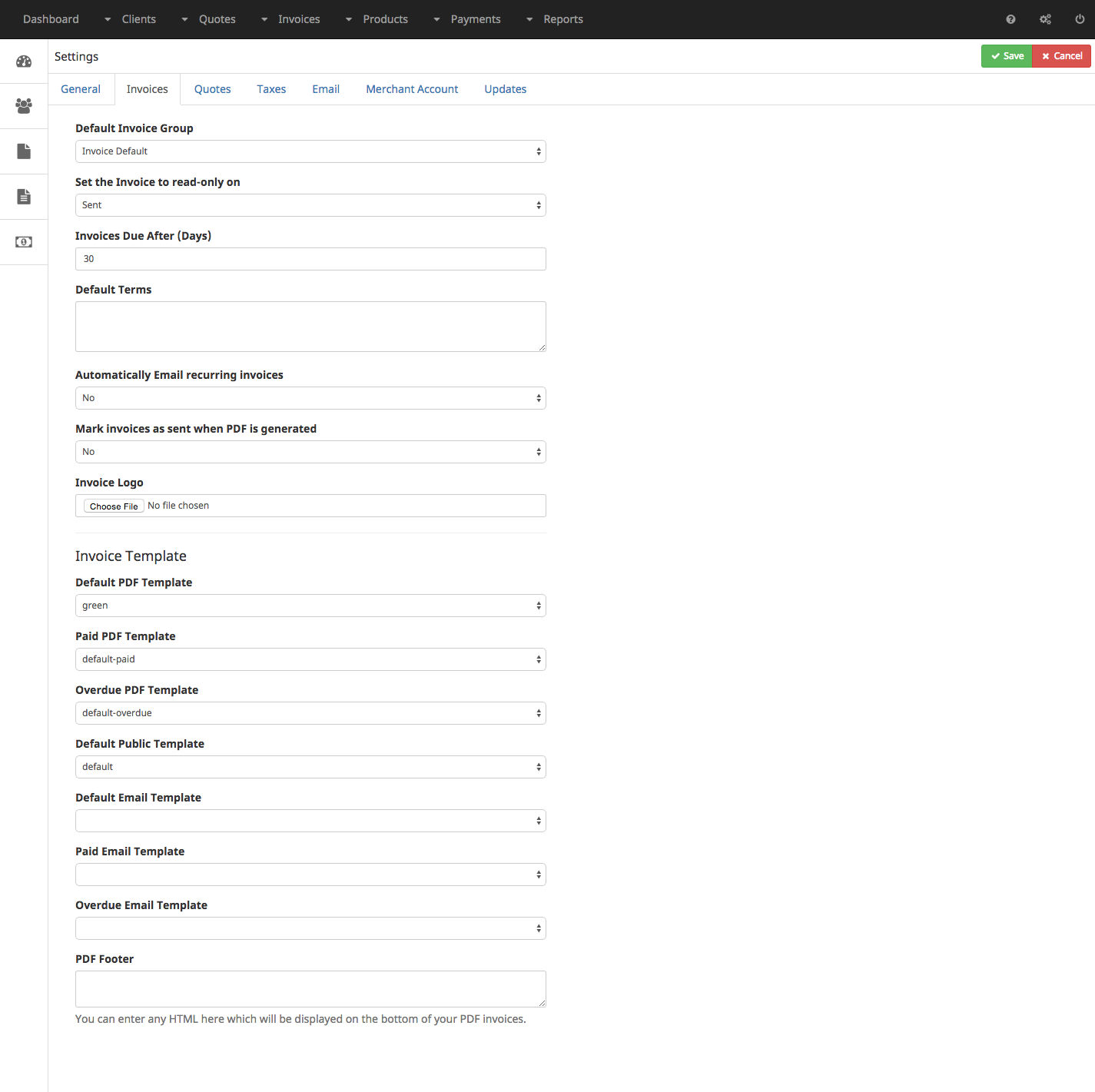
General settings
| Setting | Description |
|---|---|
| Default Invoicegroup | Select the Invoicegroup that should be used by default |
| Set the Invoice to read-only on | Select on which state an invoice should be set to read-only |
| Invoice due after | Select after how many days an invoice should be set to due |
| Default Terms | You can enter the default terms for any invoice here |
| Automatically email recurring invoices | If you have recurring invoices you can choose if Help Invoice should send an email with the invoice attached to the client automatically |
| Mark Invoices as sent when PDF is generated | Choose if Help Invoice should set the status of an invoice to Sent when you download the PDF |
| Invoice Logo | Upload an image that should be placed on templates. |
Templates
All following settings allow you to set default PDF and email templates for different states and purposes. At the end in the PDF Footer you can enter information that should be placed at the bottom of each PDF template.